Connected operations for resource-intensive businesses.

Connecting business operations. Advancing intelligent decisions.

ShowDesk connects the people, resources, and commitments behind complex business operations. Starting with event production, equipment rental, and AV, our platform brings projects, inventory, quoting, and client collaboration into a shared operational workspace. Our proposed research explores the next step: AI that can reconcile conflicting information, identify uncertainties that affect decisions, and help teams evaluate whether operational plans are feasible.

Explore our research

Ask ShowDesk and AI equipment research included. AI allowance details · Terms of Service

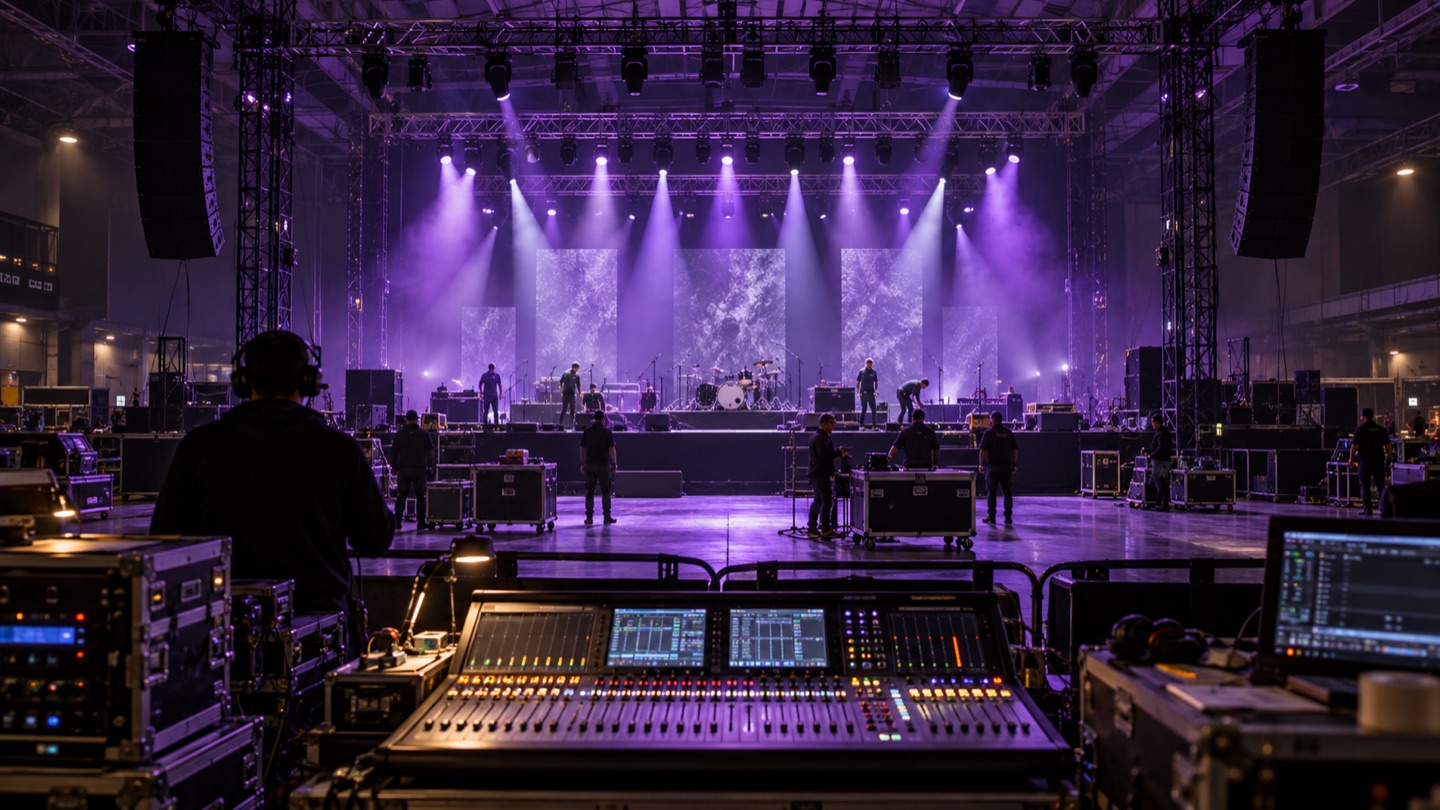
Illustrative live-event production setup with violet lighting, crew, and a sound console.
Built for every detail behind the show.

Built for the people behind the event.

  • Event production
  • Equipment rental
  • Audiovisual
  • Entertainment
  • Event services

AI assistance today. A deeper research ambition.

Today, ShowDesk helps teams research equipment and find source-linked answers across their business information. Our proposed research addresses a different challenge: determining how uncertain or conflicting requirements affect the feasibility of a plan—and what must be clarified before a decision can be trusted.

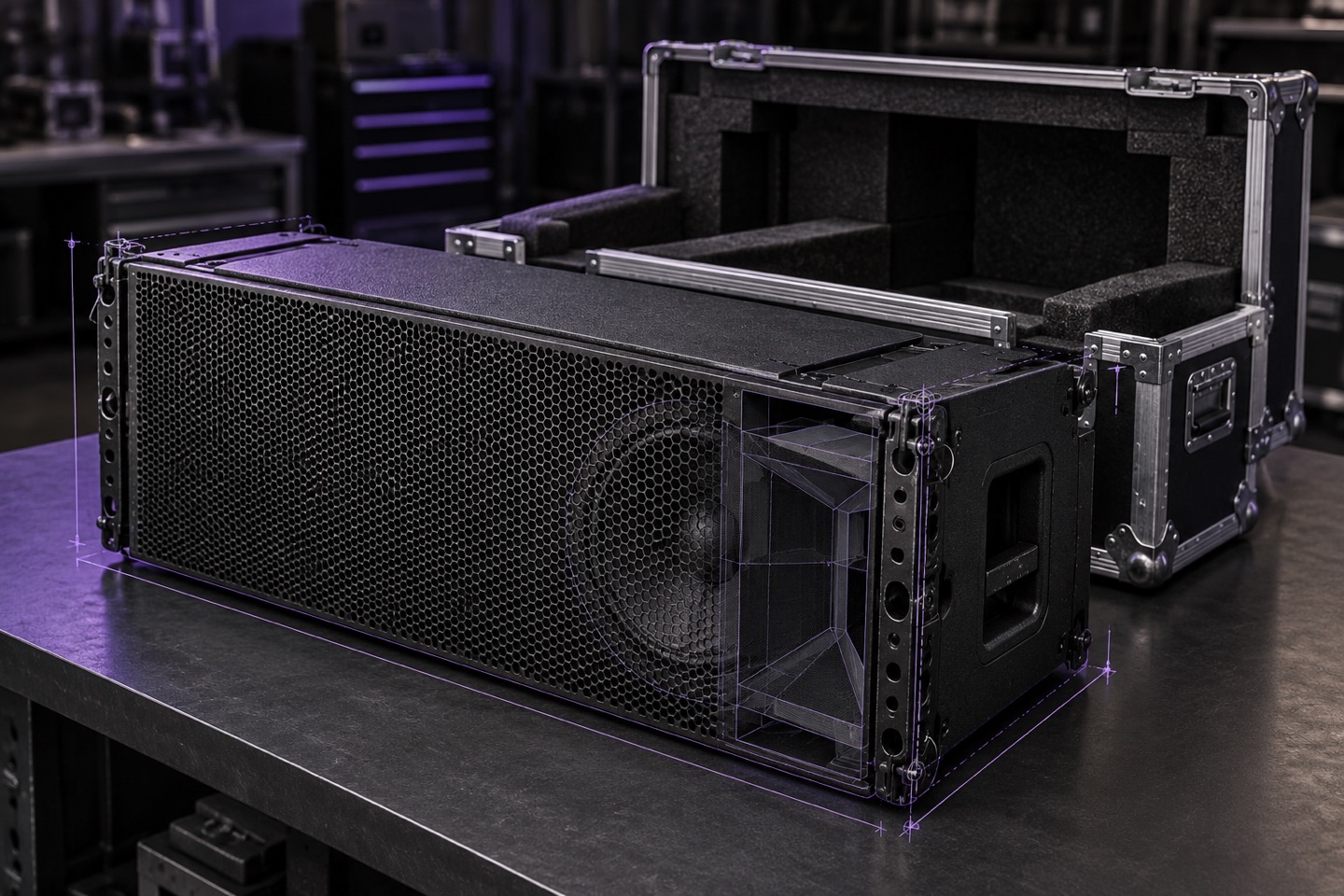
Professional loudspeaker with technical linework illustrating AI equipment research.

Research the equipment. Keep the sources.

Enter a manufacturer and model. ShowDesk searches online for descriptions, dimensions, weight, electrical consumption, voltage requirements, and connection details without needing a manufacturer’s URL.

  • Review the product match and source links.
  • Choose which suggested fields to apply.
  • Keep the sources and research date with applied information.
Explore AI inventory research
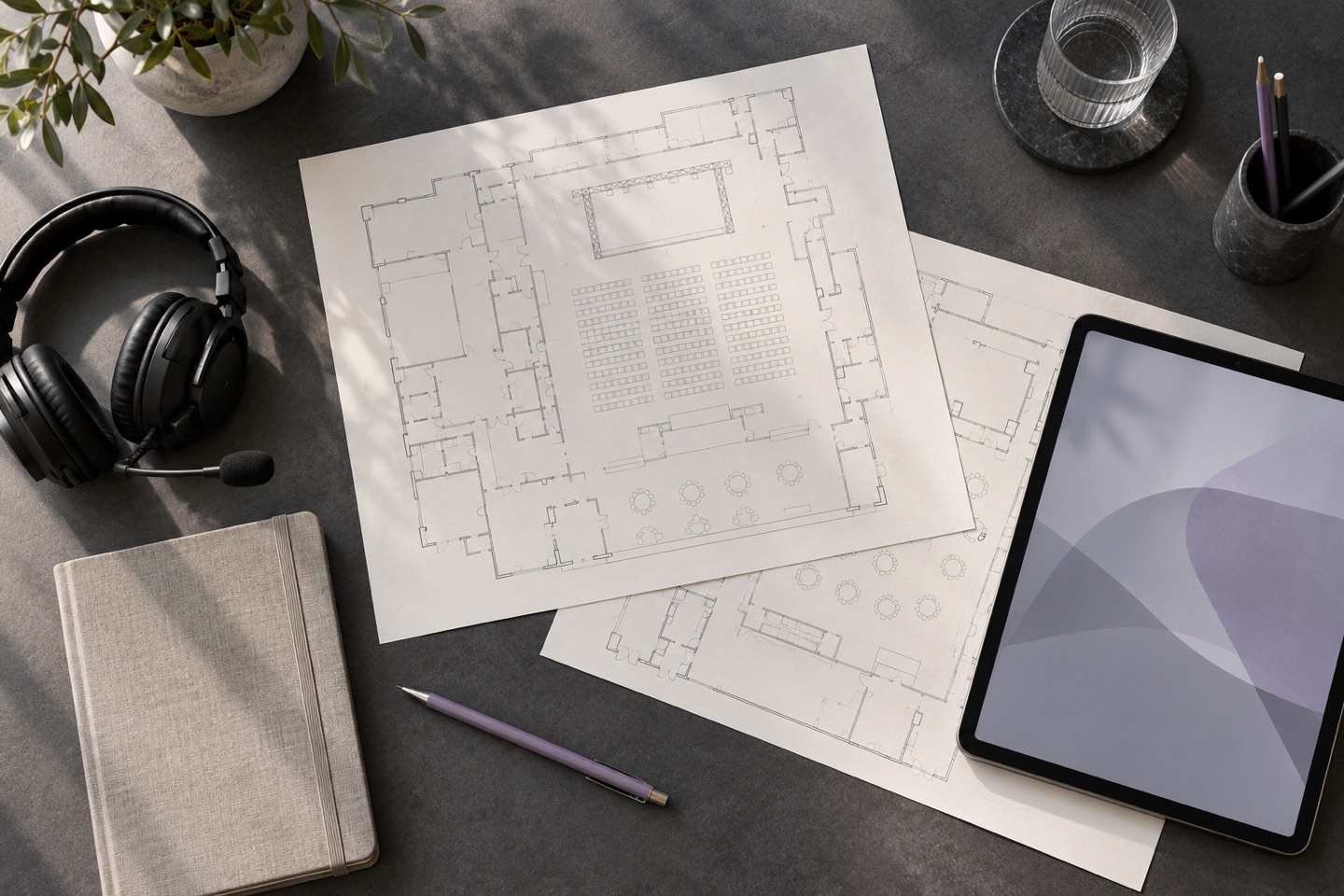
Overhead event planning desk with venue floorplans, a headset, and project materials.

Ask about the work in front of you.

Use the top search bar for ordinary record searches or questions in everyday language. Ask about venue access, open actions, equipment power requirements, or supporting project documents.

  • Use the current project’s context when asking from a project page.
  • Follow supporting links back to the saved records.
  • Find answers without AI independently changing project data.
Meet Ask ShowDesk
AI assistance is included in every plan.

Ask ShowDesk and AI equipment research share your company’s included AI allowance. No personal API key or AI feature upgrade is required for these tools. Additional AI resources are only needed if you exhaust that allowance.

From connected information to reliable decisions.

A change in venue or timing can affect equipment, staffing, and transport at once. We’re investigating how AI could interpret those dependencies when records are incomplete, conflicting, or changing.

The next research question

Can a system trace requirements to their sources, test whether a plan is feasible, and identify the missing facts that need human confirmation?

These are proposed research capabilities. Their technical feasibility has yet to be established.

Explore our research direction

A CRM that understands how event work connects.

The person booking an event, the business they represent, the location, and the resources on the quote all matter. ShowDesk keeps those relationships connected to the project.

Projects with the full context

Move work through configurable pipeline stages. Keep team assignments, quotes, actions, meetings, documents, and communication history together, with separate event and access timing.

Project management

People with more than one role

Connect one person to multiple entities while keeping each role’s work email, title, numbers, and addresses separate from personal details. Record what they do on each project.

People & entities

Brands within one company

Give each brand its own identity and contact information. Set a default brand for new projects and switch between authorized company and portal contexts.

Multiple brands

Know the equipment. Build the quote around it.

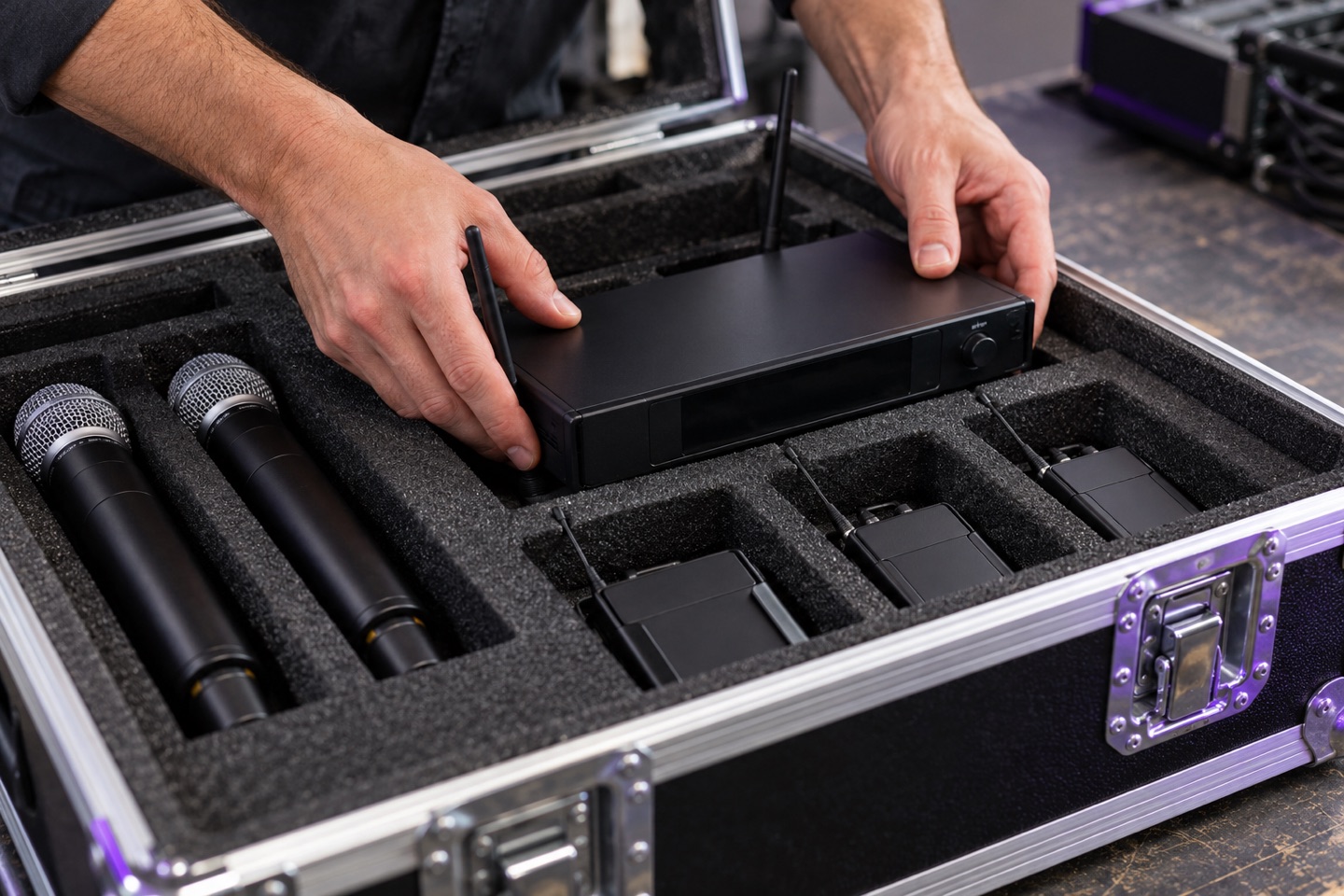
Technician preparing wireless audio equipment in protective flight cases.

Manage the catalog item and the physical assets behind it. Track serial numbers, locations, condition, purchase information, warranties, insurance, and maintenance history.

Organize kits and packages from component resources, keep cases and accessories associated with their assets, and filter recorded quantities by location.

Explore resources and inventory

Resources that carry through to the proposal

  • Build project quotes from inventory, labor, kits, and packages.
  • Structure the proposal with sections, descriptions, quantities, rates, discounts, and estimated tax.
  • Use recorded resource specifications for power, weight, and transport-space summaries.
  • Publish saved quotes for authorized client and partner portal users.
Explore connected quotes

Give clients a place in the project.

Share specific projects with authorized clients and partners. Let them review published quotes, message the team, and request changes while your team stays in control of what takes effect.

Project portals

Give each person access through the relationships and projects they are authorized to see. A person can have more than one client or partner relationship.

Client & partner portals

Documents in context

Upload from the top bar or project, drag in files, paste an image, or capture a screen. Review the files and project before saving, with originals retained for authenticated downloads.

Project documents

Repeatable work

Use templates for actions, meetings, and client touchpoints, resource imports with column mapping, and filtered reports with CSV exports to spend less time rebuilding the same work.

Templates, imports & reports

Different work. A connected foundation.

From equipment rental and audiovisual production to entertainment and event services, connect the people, assets, and decisions that shape each job.

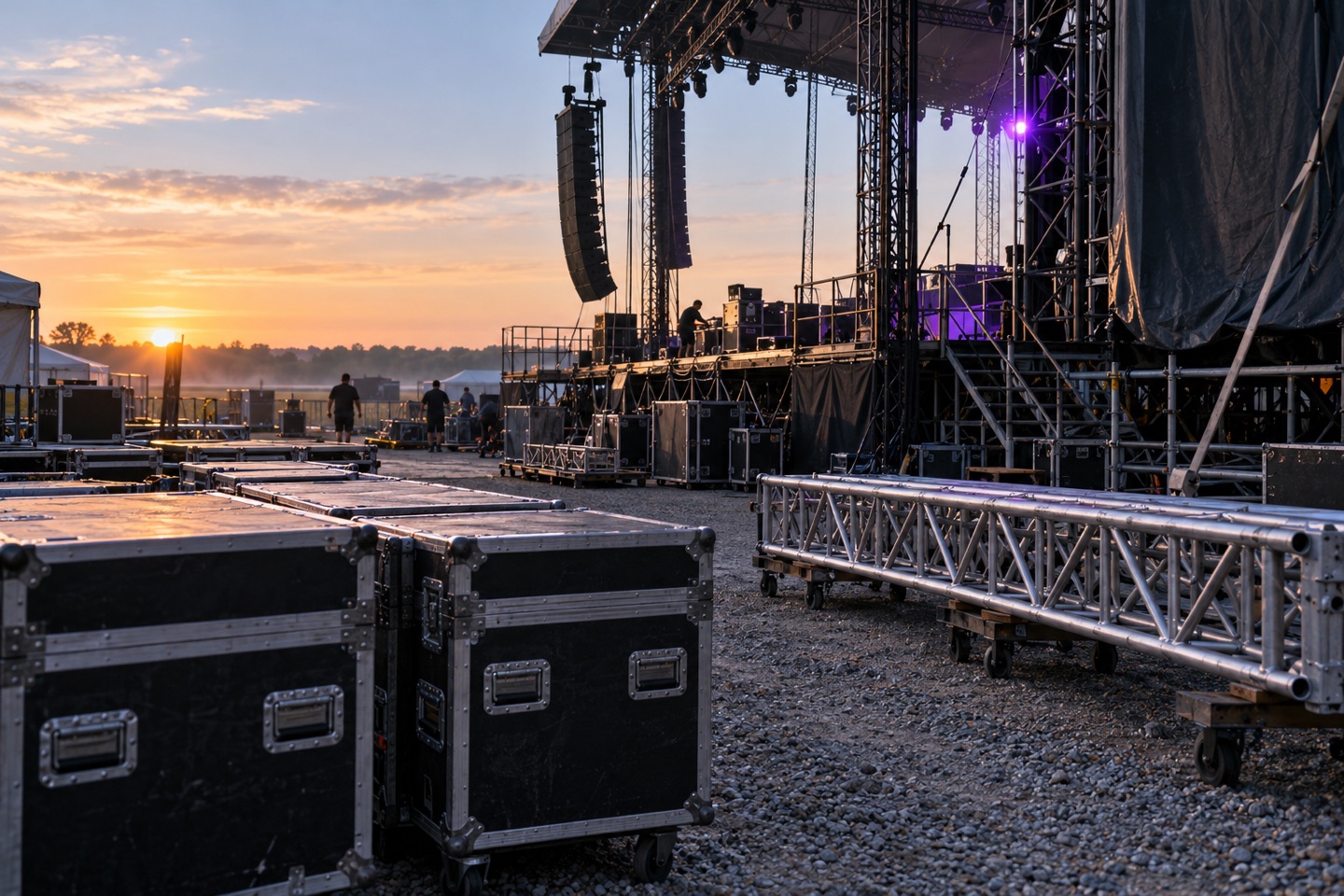
Outdoor touring stage infrastructure and truss during early-morning preparation.

Touring & entertainment

Keep project contacts, venue access, supporting documents, and resource quotes connected across the dates you manage.

Explore touring workflows
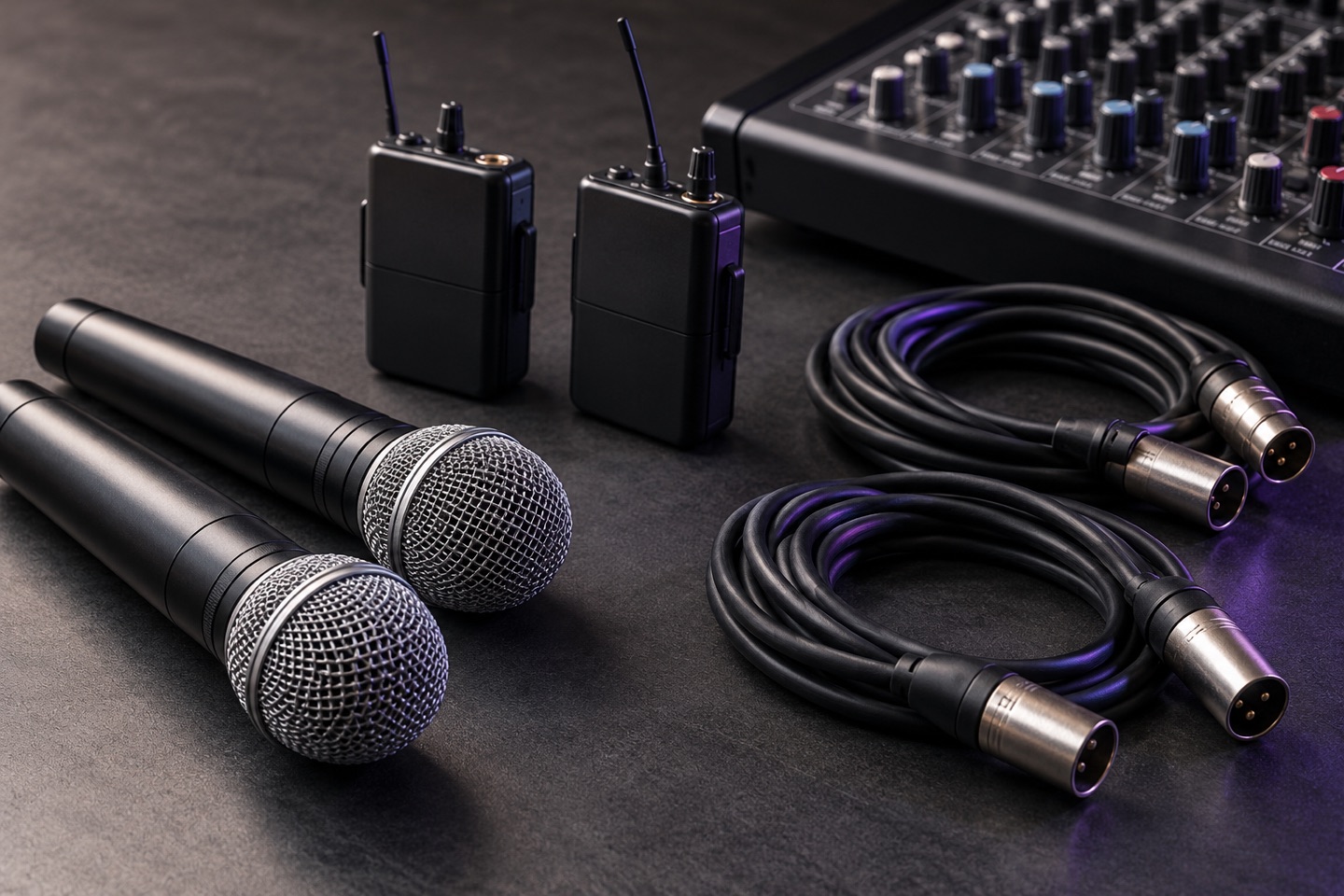
Microphones, wireless audio equipment, and cables arranged as an event audio kit.

AV & equipment rental

Work from equipment records with specifications, individual assets, package components, and quote details in context.

Explore AV workflows
Outdoor garden reception prepared with tables and evening lighting.

Wedding & event services

Manage client relationships, locations, project timing, documents, and client requests without losing the context behind a conversation.

Explore event service workflows

What to know about ShowDesk.

What is ShowDesk?
ShowDesk is a business operations platform initially focused on event production, equipment rental, and audiovisual businesses. It connects projects, customer relationships, resources, quotes, and supporting information in one workspace. Alongside the platform, ShowDesk is pursuing research into uncertainty-aware AI methods for evaluating operational decisions when requirements are incomplete, conflicting, or changing.
Who is ShowDesk designed for?
ShowDesk is designed for event production companies, equipment rental businesses, audiovisual teams, touring productions, live entertainment, wedding vendors, and event service businesses. Explore the industry workflows to see how those records connect.
Which AI features are included?
Every online plan includes AI inventory research and Ask ShowDesk. Research suggests equipment specifications with sources; Ask ShowDesk answers questions about saved business information with links to supporting records. Both share a company allowance. Review the AI allowance details.
How do I request a ShowDesk tour?
Open app.showdesk.com and select Create account to submit your contact and business details. The team follows up as tour capacity becomes available. Registration does not start a subscription or grant immediate workspace access.

Bring your questions. Explore ShowDesk.

Take a closer look at how advanced AI, project management, resources, quotes, and client collaboration fit the way your business works.

Open app.showdesk.com and select Create account to submit your contact and business details. We’ll follow up to schedule your tour as tour capacity becomes available. Registration requests a tour; it does not start a subscription or grant workspace access. Existing customers can still sign in.