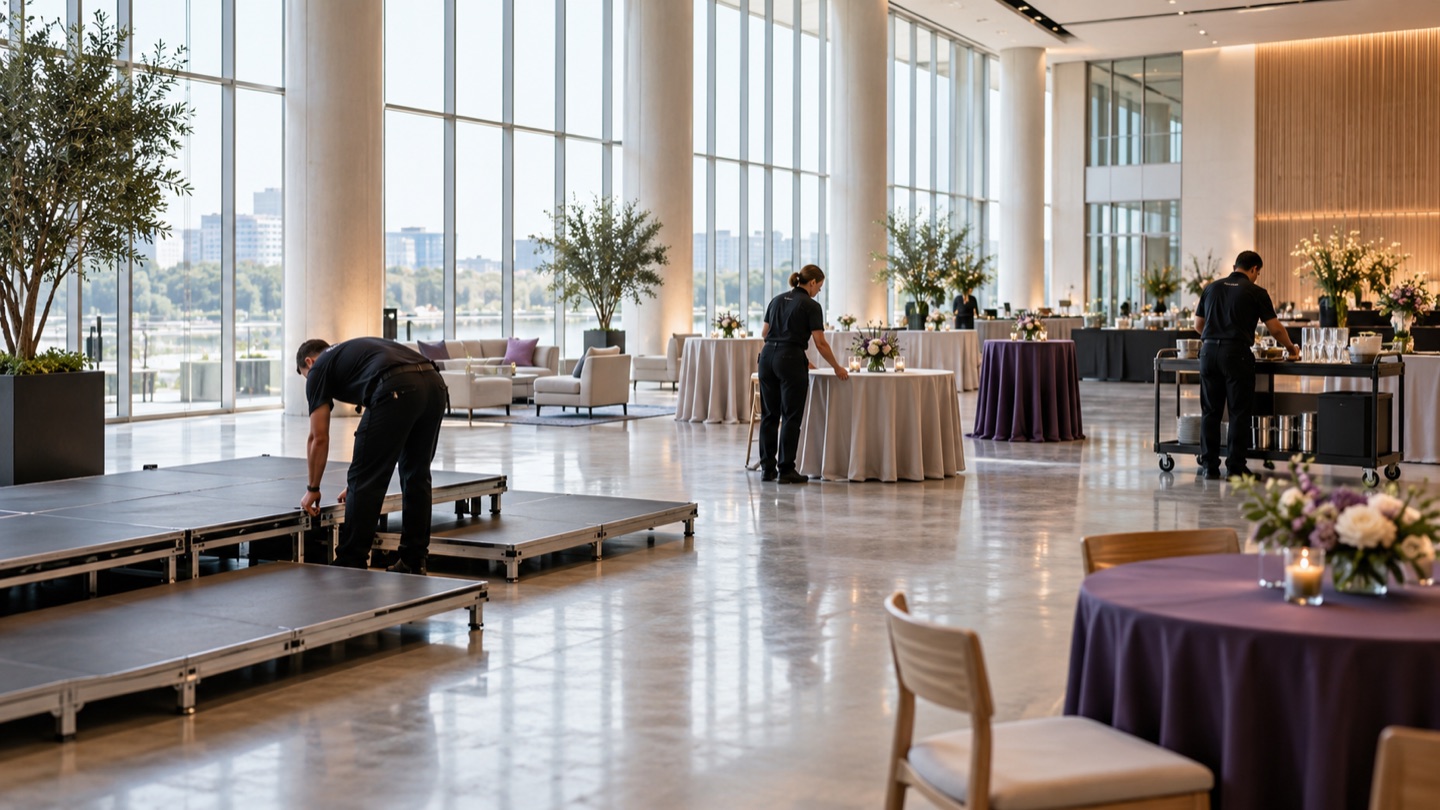
Connected operations for event businesses

Built around the work behind the event.

A venue contact, an equipment specification, a revised quote, a client’s change request: each belongs to a larger project. ShowDesk brings those details together for production, rental, audiovisual, entertainment, and event service businesses.

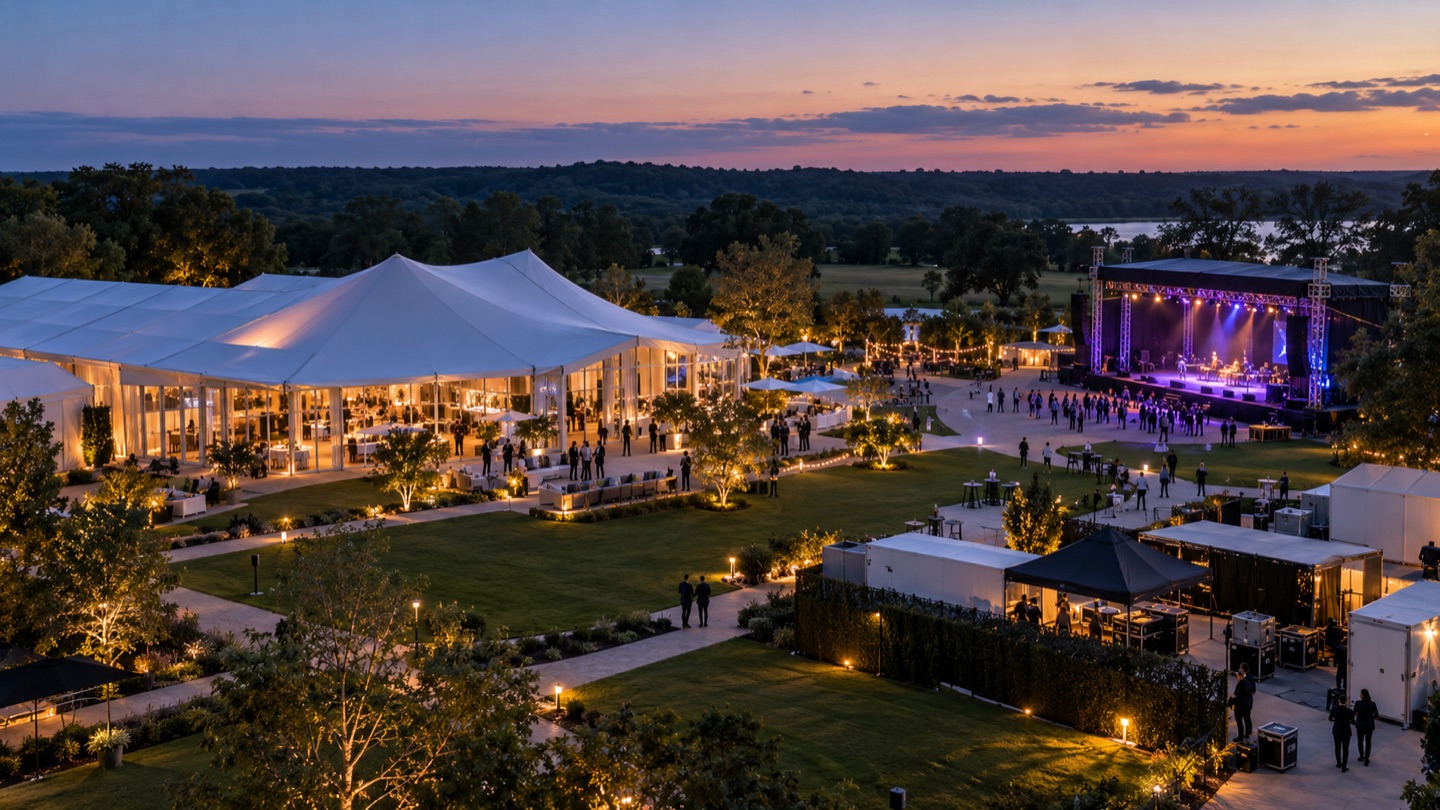
Outdoor event campus with a pavilion, stage, and production infrastructure at twilight.
Built for every detail behind the show.

Different events. Shared operational challenges.

Keep relationships, project information, and the resources behind your service in the same workspace. Explore how that connects to the way your team works.

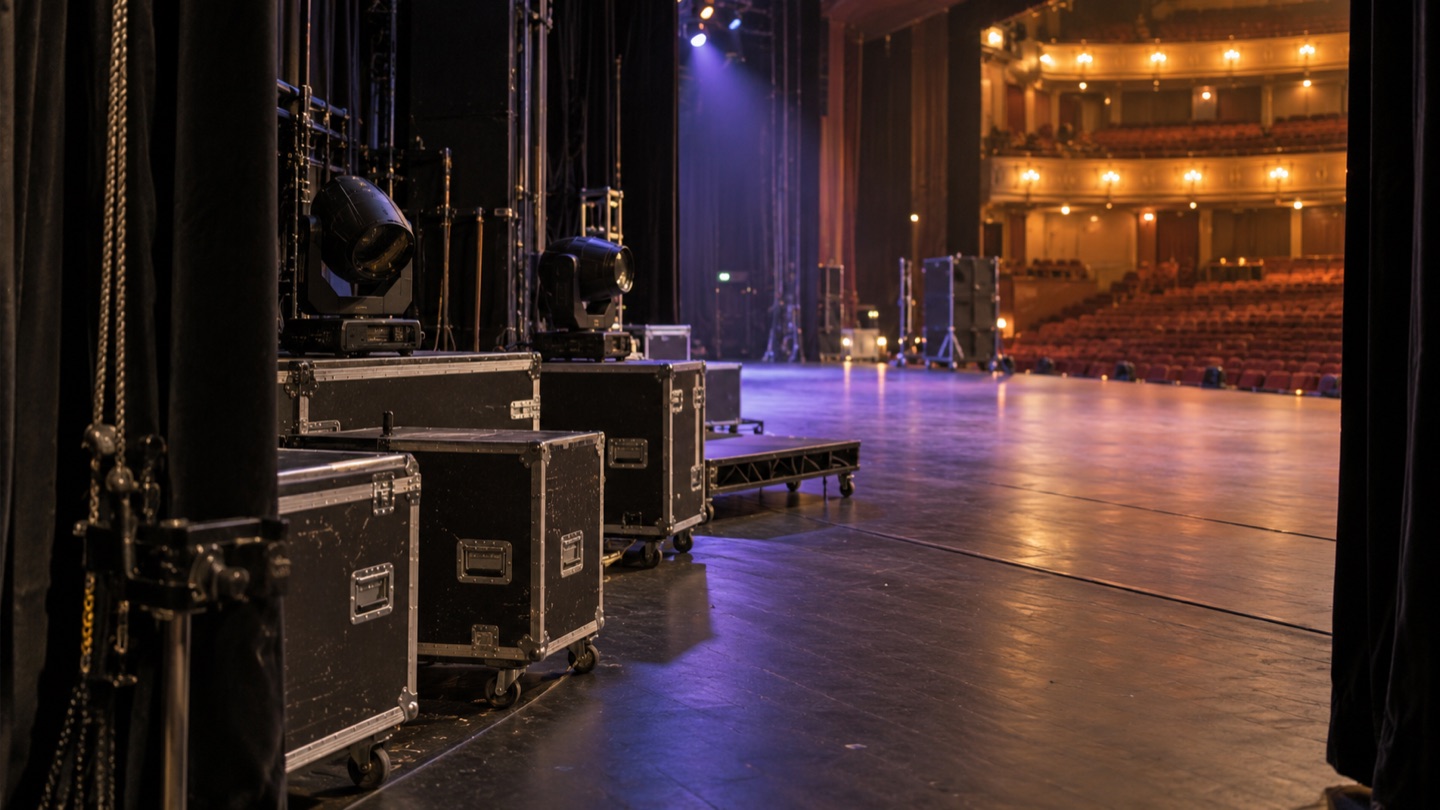
Touring rehearsal setup viewed from the side of a theater stage.

Touring productions

Give each date its own project context, with local contacts, venue access times, supporting documents, actions, and quotes.

  • Separate show timing from venue access.
  • Connect promoters, venues, and production contacts.
  • Reuse action and meeting templates across dates.
Explore Touring Workflows
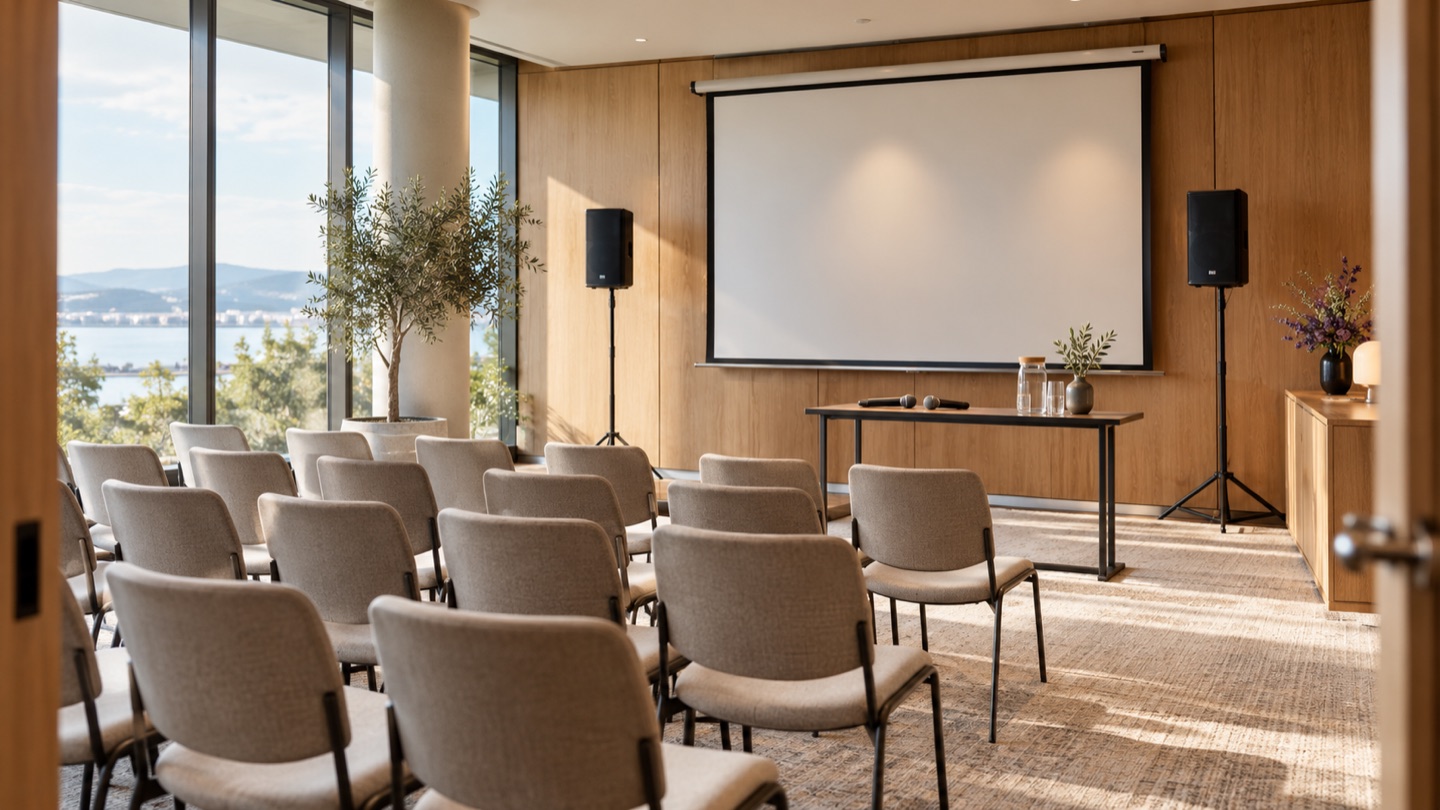
Modern conference room prepared with presentation equipment and microphones.

AV teams

Bring technical product information into the same system as your project scope, equipment catalog, and client quote.

  • Research equipment specifications with source links.
  • Track individual assets, cases, and accessories.
  • Quote inventory, labor, kits, and packages.
Explore AV Workflows
Wedding planning materials, place settings, and floral details on a planning table.

Wedding vendors

Keep the couple, planner, venue, and partner relationships connected to the details of each celebration.

  • Keep personal and business contact details separate.
  • Share published quotes through project portals.
  • Review requested changes before they take effect.
Explore Wedding Workflows
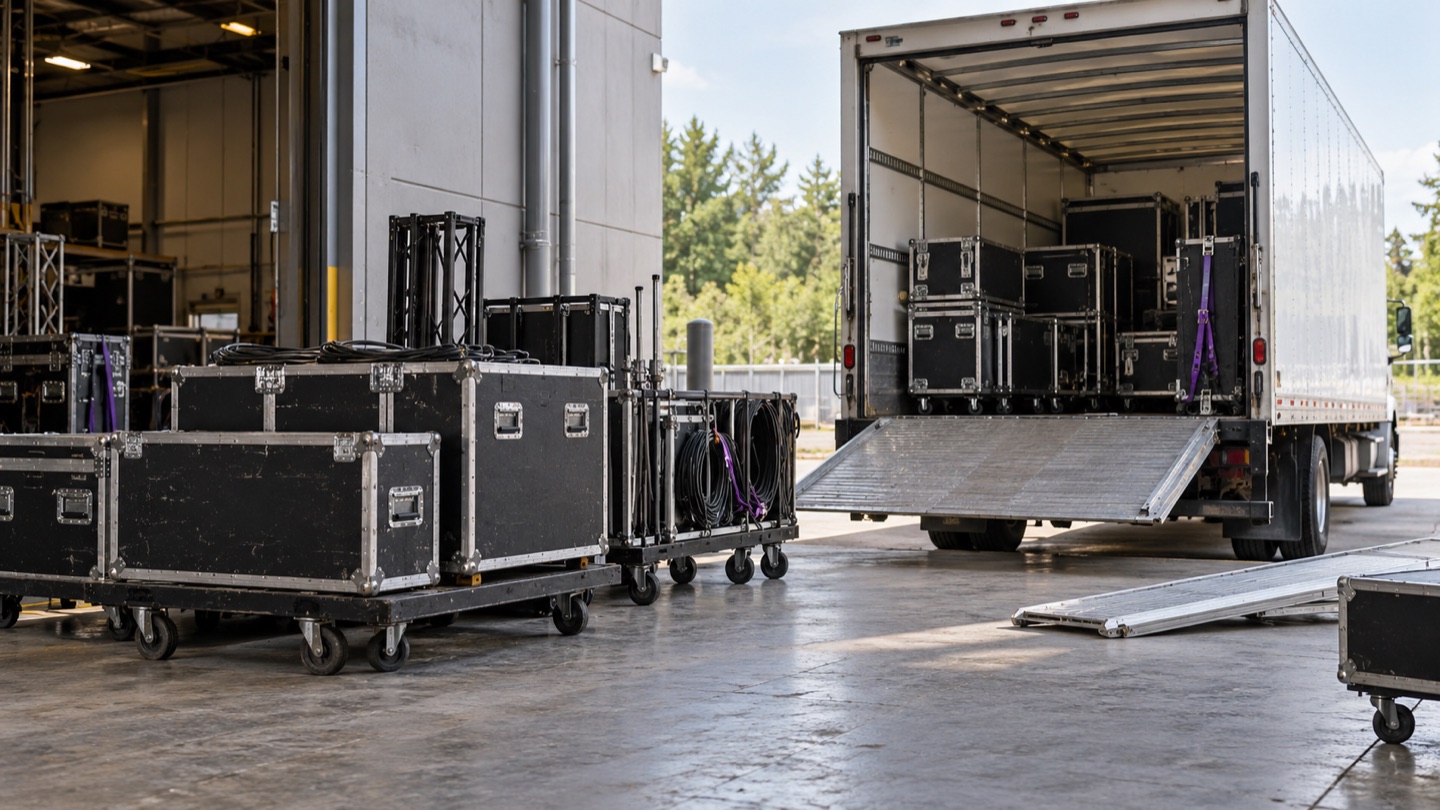
Rental equipment cases and carts staged for dispatch at a loading bay.

Equipment rental businesses

Connect the catalog your customers see in a quote with the physical equipment your business owns. Track serial numbers, condition, storage location, purchase details, and maintenance history.

  • Inspect total, active, and inactive quantities.
  • Build kits and packages from component inventory.
  • Filter stock and complete sets by location.
Explore Resource Management
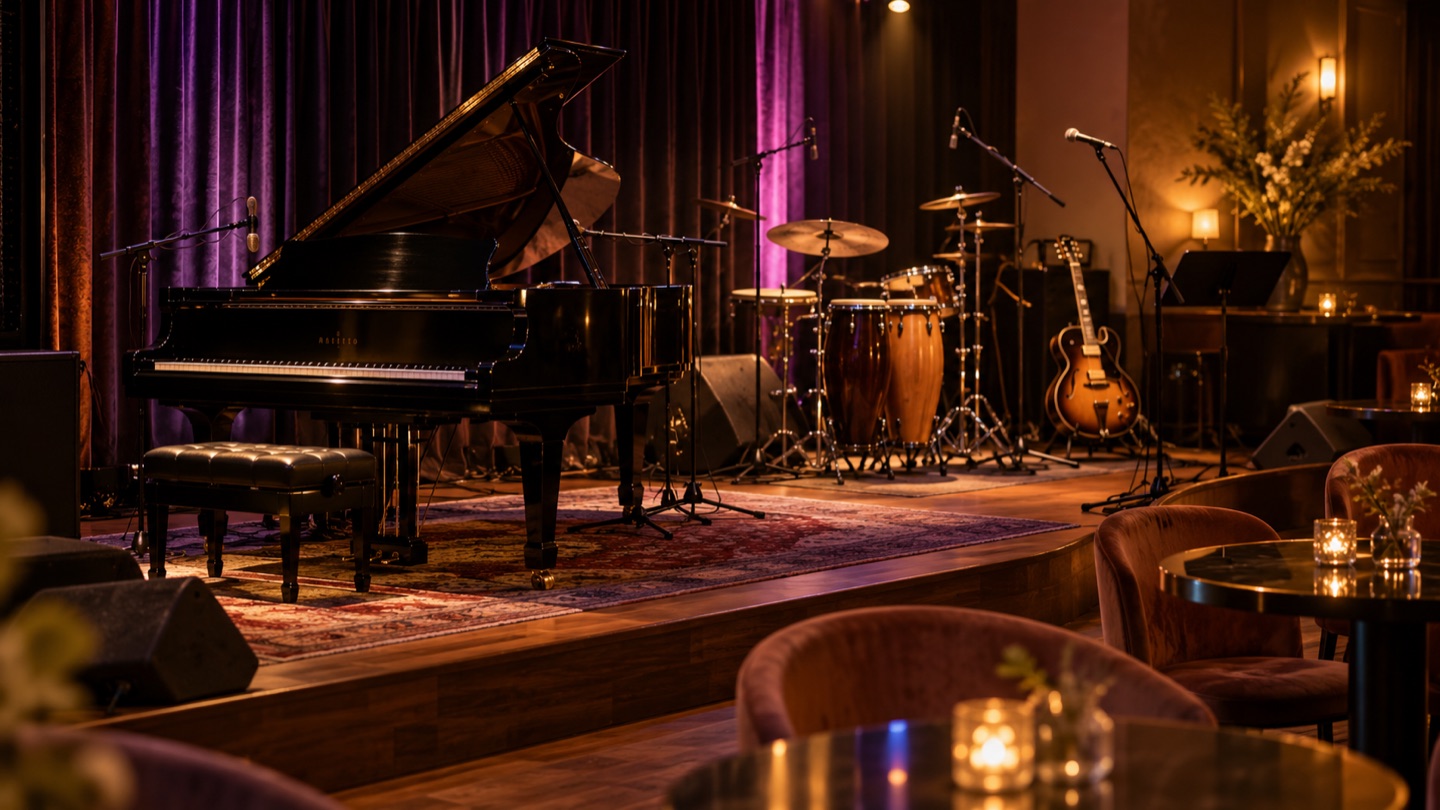
Intimate live entertainment venue with instruments prepared for soundcheck.

Entertainment businesses

Keep the client relationship and event plan together, whether you deliver a DJ service, live entertainment, or a combination of talent, labor, and equipment.

  • Assign people by their role on the project.
  • Keep event timing, access details, and documents together.
  • Organize repeatable offerings into quote packages.
Explore Event Service Workflows
Event team preparing a modern hospitality and event service space.

Event service businesses

Connect the people delivering your service with the people buying it. Manage project stages, actions, documents, and partner communication without detaching them from the event.

  • Link clients, venues, vendors, and partners.
  • Use repeatable action and meeting templates.
  • Support multiple brands within one company account.
Explore Project Workflows

A CRM with operational depth.

The relationship matters. So do the details needed to deliver on it. ShowDesk connects both sides of your business.

People and their relationships

A person may work with several companies or venues. Keep their role, work email, phone numbers, and address specific to each relationship, with personal details stored separately.

Projects with event context

Manage pipeline stages, team assignments, actions, meetings, quotes, and documents together. Record when the event happens and when your team can access the location.

Resources connected to quotes

Build quotes from inventory, labor, kits, and packages. Organize sections, descriptions, quantities, rates, discounts, and estimated tax, with totals that update as you work.

Client and partner collaboration

Grant access to specific projects. Authorized portal users can view shared details, review published quotes, message the team, and submit changes for team review.

Documents in project context

Upload venue information, plans, and other supporting files. Review the upload, choose the project, and retain the original file for authenticated downloads.

Brands and repeatable work

Maintain distinct brand information within your company account. Use templates for actions, meetings, and touches, plus resource imports and CSV reports to support ongoing work.

Research the equipment. Find the answer.

ShowDesk connects AI assistance to two recurring jobs in event businesses: entering useful product information and finding what your company has already recorded.

Build a more useful inventory catalog

Enter a manufacturer and model in the equipment title. ShowDesk researches online product information and suggests descriptions, dimensions, weight, power consumption, voltage, and connection details. Review the product match and sources, then choose the fields to apply. Applied research retains its sources and research date.

Ask a question in everyday language

Use the top search bar to find records or ask about saved company information. Ask when venue access begins, which actions remain open, or what power requirements are recorded. Answers link to supporting records, and questions from a project can include that project’s context and relevant supported attachments.

Follow the details from request to delivery.

An illustrative way to organize event work in ShowDesk. Adapt the stages and templates to your own business.

  1. Connect the people

    Find an existing person or entity while creating a project, or add a missing record. Capture who the client is, where the event happens, and what role each person plays.

  2. Build the scope

    Attach supporting documents, record event and access times, and build a quote with the inventory and labor that support your service.

  3. Coordinate the changes

    Share project information and published quotes through authorized portals. Review requests before applying supported timing or location changes, and manage quote revisions with your team.

  4. Keep the project useful

    Track open actions, meetings, documents, and communication history together. Search the records as work progresses, and use templates to prepare the next project.

Bring your workflow to a ShowDesk tour.

Show us how you manage clients, projects, equipment, and proposals. Explore how those details can connect in one workspace.

Open app.showdesk.com and select Create account to request a tour. We’ll follow up as tour capacity becomes available. Registration does not grant workspace access. Existing customers can still sign in.